



































Gavin Potenza — New Work!
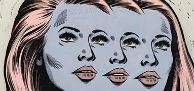
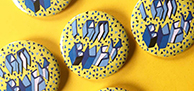
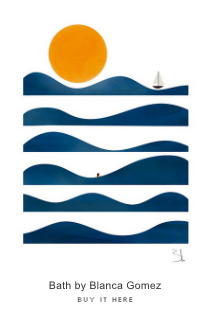
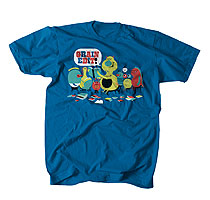
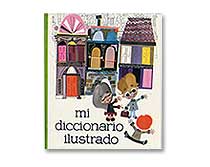
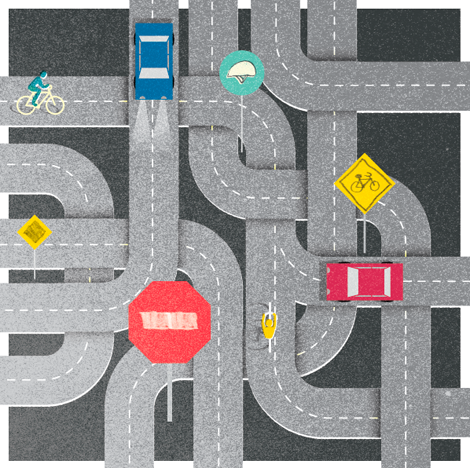
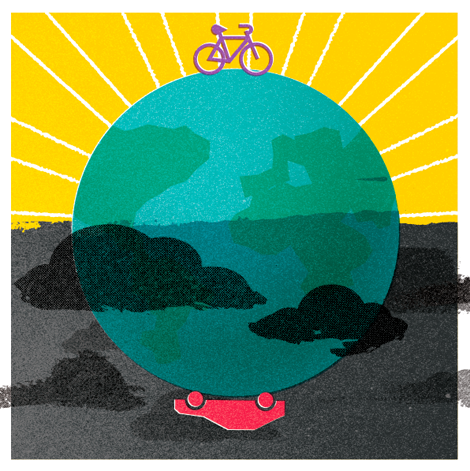
Great friend of Grain Edit and infinitely talented designer Gavin Potenza has just updated his online portfolio with a number of strong editorial pieces. You may know of Gavin’s grainy work through these solo projects, or as one half of creative duo Script & Seal with our very own Liz Meyer.

Also Worth Viewing:
Script and Seal Posters
Gavin Potenza - Homage to the Stamp
Introducing Liz Meyer
Not signed up for the Grain Edit RSS Feed yet? Give it a try. Its free and yummy.
Tagsbrooklyn, contemporary design, Gavin Potenza, Illustration, news, Script & Seal, USA


9 comments
Comments feed for this article
Trackback link
http://grainedit.com/2011/07/19/gavin-potenza-%e2%80%94-new-work/trackback/
08.02.11 at 11:01 am
Pingback from grain edit · ReckerHouse
08.02.11 at 11:10 am
Pingback from ReckerHouse | | Happy GraphicsHappy Graphics
08.08.11 at 1:50 am
Pingback from El corazón gráfico de Gavin Potenza | dadanoias
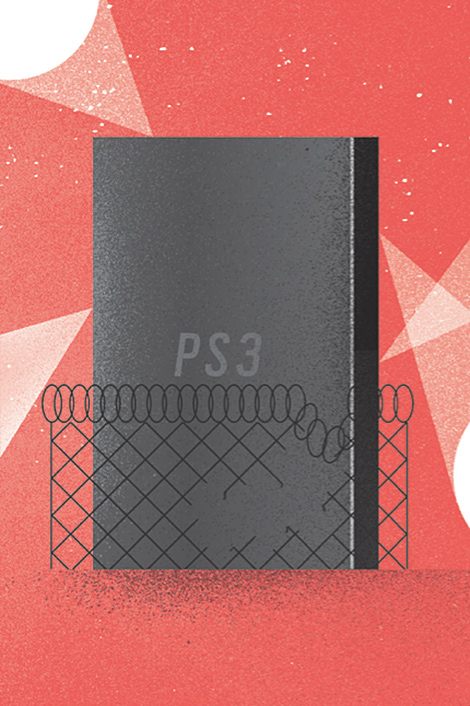
Does anyone know how to create that spotty shading affect that is in Gavin’s work? You know those dark spots under the Playstation 3 (PS3)?
I have always wanted to make those in photoshop but don’t know how.
07.19.11 |
Chris Zukowski |
Designers |
Hi Chris - Print out your image, attach some tracing paper, and try using a grease pencil on the tracing paper over some rough board to fill in the areas you want to have the texture. Scan it, turn the scan into a bitmap and lay over your image.
Just the first way that comes to my mind. I’m sure there are other ways to achieve the same effect.
07.19.11 |
RK Blankenship |
Designers |
Hey Chris, There’s lots of way to achieve this effect through Photoshop and Illustrator. For me, the easiest way in Illustrator is to:
1. Create desired shape for the shadow or texture.
2. Place a “Fade to Black” gradient replacing the black in the opaque slider with a color you want to introduce. BTW, you can use the traditional gradient just set the transparency to multiply or whatever will work for your project.
3. To get the grainy texture go to Effects: Pixelate: Pointillize.
Hope this helps.
Enjoy!
07.20.11 |
luschi |
Designers |
This is really coll work.. Someone please tell me how to make two vehicles photos on a spare ?? This is quit difficult for me ..
07.21.11 |
bumper stickers |
Designers |
Good post. Thanks for sharing. Very beautiful design. Nice work.
08.08.11 |
wenger backpack |
Designers |
nice printing thanks for sharing this i like this blog
08.16.11 |
vinyl sticker printing |
Designers |